 NitroTune
Tidy up Windows. Calmly, and everything can be undone.
NitroTune finds junk files, unneeded startup apps and heavy processes, shows exactly what will change, and only then acts. A restore point is created before any changes.
Installer 5.7 MB · no ads · scans run locally on your PC
Features
The essentials are free, with no time limit. Pro adds automation and advanced tools.
Free Free
- ◎Home & diagnosticsHealth overview: disk, memory, CPU, Windows boot time.
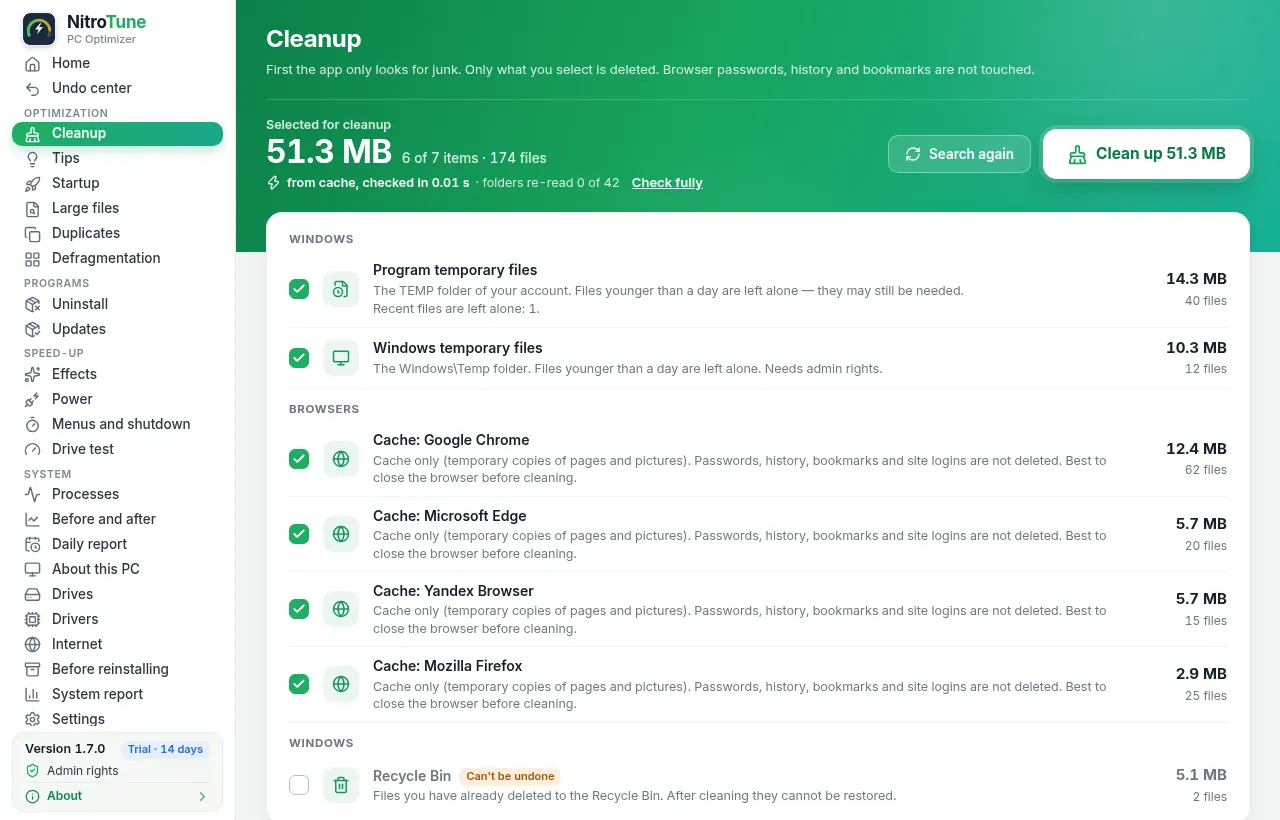
- ✦CleanupTemp files, browser caches, Recycle Bin — with a preview of what will be removed and how much.
- ⏻StartupTurn startup apps on and off. Nothing is deleted.
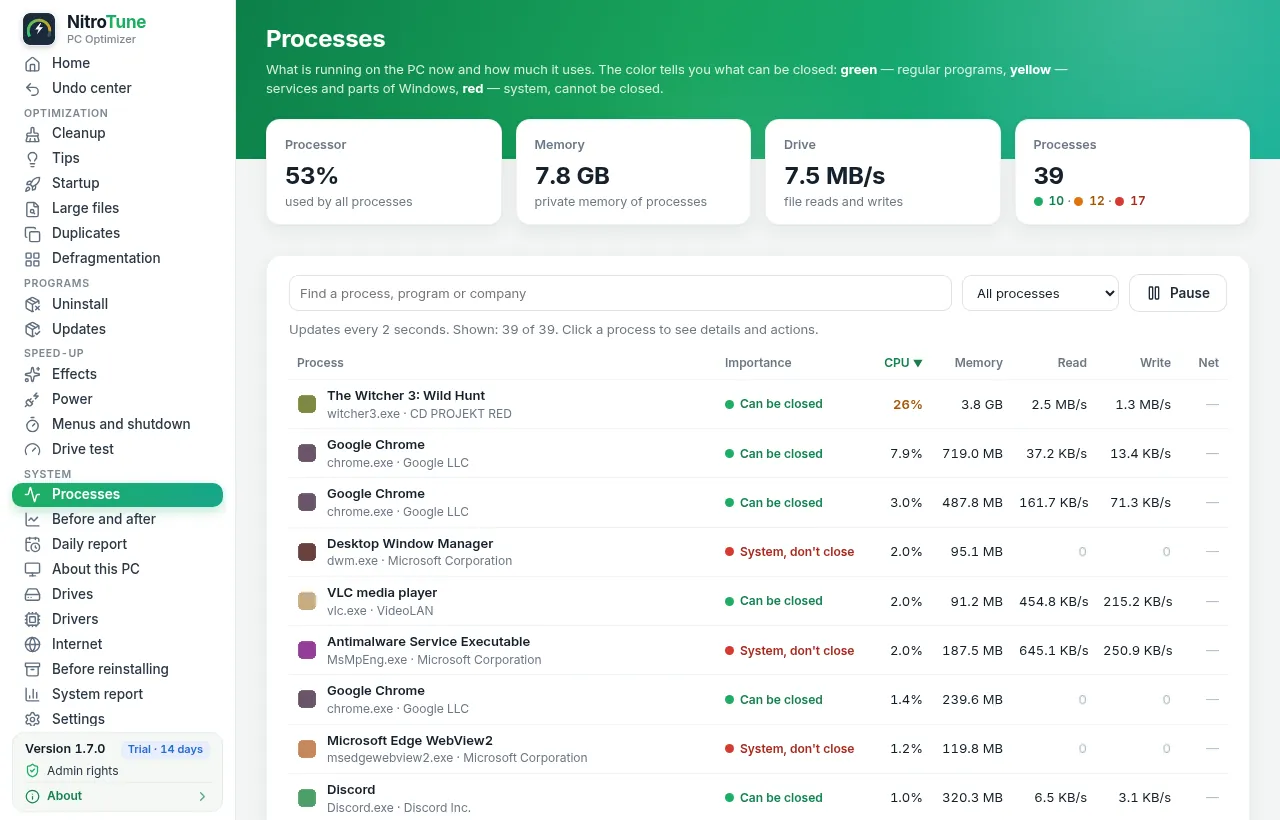
- ≋ProcessesWhat is loading your PC right now — in plain language.
- ◍InternetCompare and pick a fast DNS, flush the DNS cache.
- ↺Undo centerRevert any change in one click.
Pro coming soon
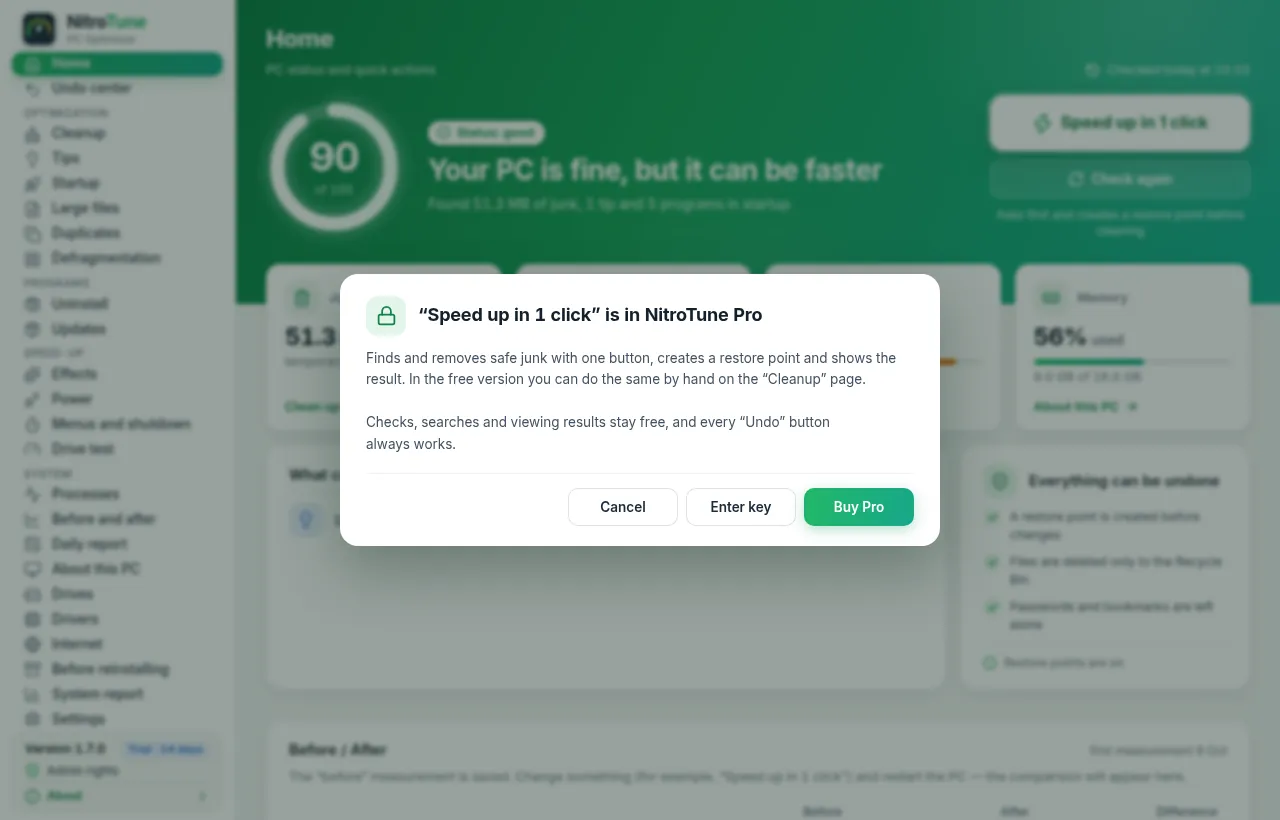
- ⚡1-click tune-upRecommended, reversible tweaks at once — with a preview and a report.
- ⧉DuplicatesFind identical files and free up space.
- ⌫UninstallerRemove programs together with their leftovers.
- ⟳Updates & driversWhich programs and drivers are outdated and how to update them.
- ▤DefragmentationHard drives (HDD) only; SSDs get TRIM.
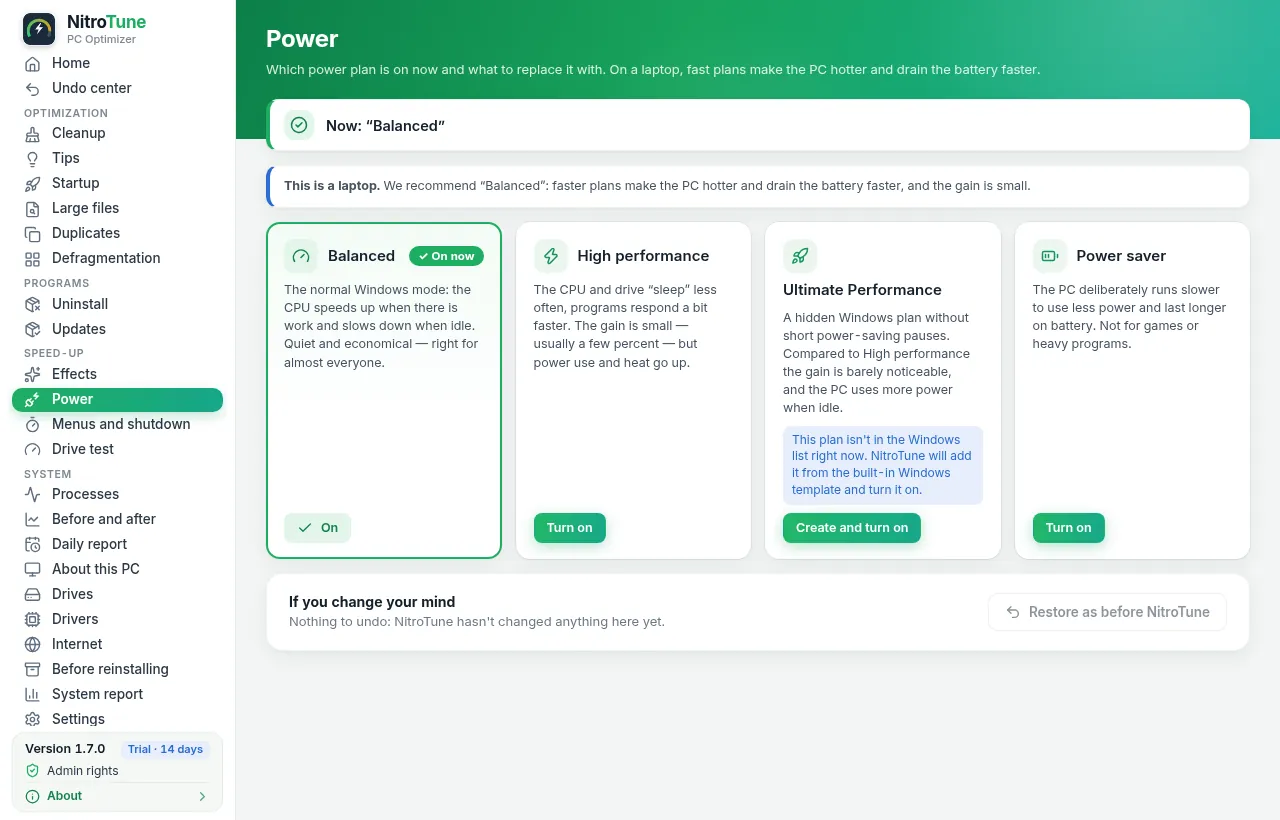
- ◐ProfilesReady-made visual effects and power profiles: performance, balanced, appearance.
- ☾Background care & reportQuiet regular cleanup and a short daily report.
- ⇄“Before and after”Measurements: Windows boot time, free space, memory — before vs. after.
Screenshots
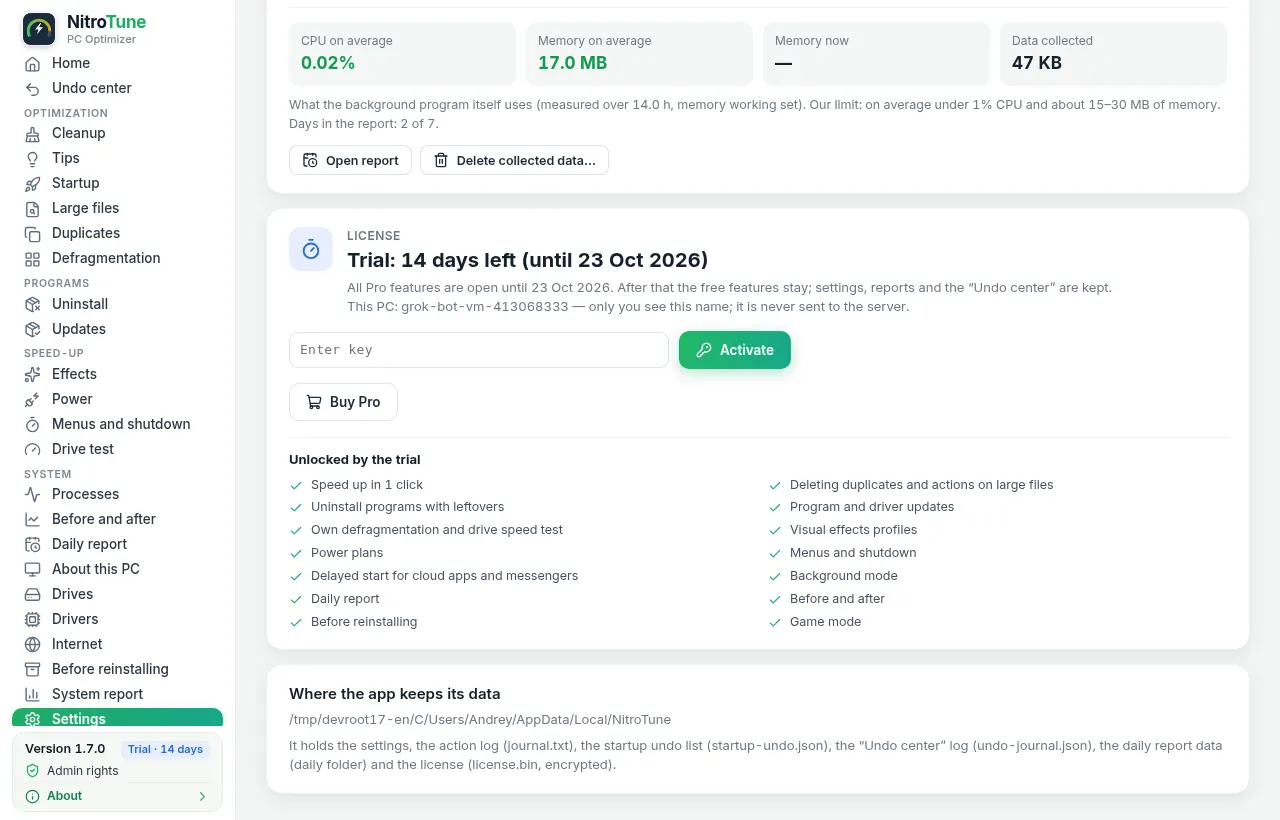
NitroTune 1.7.4. The interface is available in English and Russian. Click to enlarge.
Pricing
Pro purchases will open soon. Prices in USD; VAT may be added at checkout depending on your country. 14-day money-back guarantee — see refunds.
All Pro features and updates while the subscription is active.
Coming soonAll Pro features with no subscription.
Coming soonDownload NitroTune 1.7.4
For Windows 10 and 11 (64-bit). Requires Microsoft Edge WebView2 — usually already installed.
8ebf0eb2c3cf0de46553342f711f330a9e4968cf47979804577b42037ea63fc8
Verify in PowerShell:Get-FileHash .\NitroTune-Setup-1.7.4.exe -Algorithm SHA256
Checksums file: SHA256SUMS.txt
Before using any optimizer: back up important data and make sure Windows System Protection is on so a restore point can be created. NitroTune shows a preview and lets you undo changes, but you use it at your own risk. By installing you accept the Terms & EULA.
⚠ Windows may show a warning
The app is not digitally signed yet (a code-signing certificate is planned). So Windows SmartScreen may say “Windows protected your PC”. It means the publisher is not yet known to Microsoft. Only download NitroTune from nitrotune.com.
- Check the file’s SHA-256 against the checksum on the left.
- Click “More info” → “Run anyway”.
And honestly: no “optimizer” will make an old PC new. NitroTune removes clutter and shows real before-and-after numbers — no “+300% speed” promises.